



Issue and Verify Digital Badges and Stackable Micro-credentials with Badgr.
Welcome to Badgr Spaces for Blackboard,
Organizations worldwide use Badgr to create connected learning ecosystems that recognize achievement within their communities with verifiable, skills-aligned digital credentials, stackable learning pathways, and portable learner records.
Feature Highlights:
Get Started for Free, go further with Badgr Pro
Badgr Pro creates a cross-course dashboard for managing learning and recognition within Blackboard Learn.
For Administrators:
For Faculty/IT Staff
Badgr Spaces saves your team time, through powerful automation options and triggers. It's easy to award a badge automatically when a learner completes an objective or demonstrates a new skill or competency.
Build programs that allow your instructional staff to recognize verified skills and credentials from third parties.
Synchronize Badgr Spaces with new objectives, rosters, and course availability to quickly reflect any changes made to Blackboard Learn courses and keep everyone on the same page.
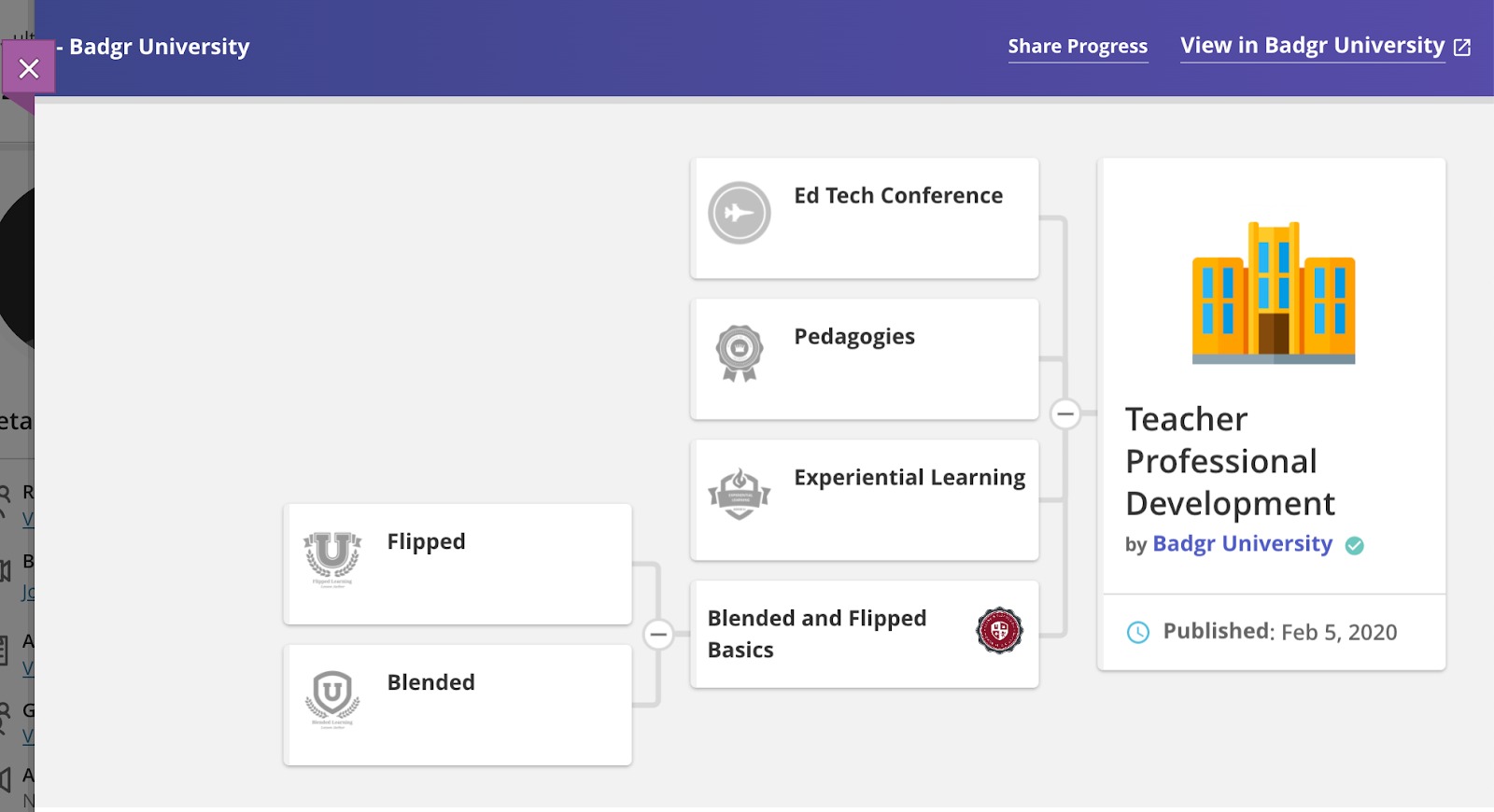
No matter how many learners are included in your Blackboard Learn instance, Badgr Spaces tracks every award and presents users with visual maps of their progress using Badgr's intuitive pathways tool.
For Educators:
For Learners/Students:
When objectives are aligned to digital badges, learners gain an easy-to-understand, real-time view of their unique learning journey.
Using Badgr Spaces, learners can see their personalized course progress displayed at the course level or along a learning pathway, without leaving Blackboard Learn.
Learners can be extrinsically motivated to compete against their classmates using leaderboards. Optionally, learner names may be anonymized and substituted with animal aliases to protect their privacy.
About the Badgr Pro LTI App
Badgr Spaces is an LTI 1.3 tool providing digital badging capabilities in Blackboard Learn (and other LTI 1.3-capable LMSs). It provides the concept of a “Badgr Space” which represents a group of users working towards shared goals. In an LMS setting, learners and instructors in each course can see progress through badged learning objectives and pathways specific to the Space that is installed there.
To learn more, visit Badgr.com!


